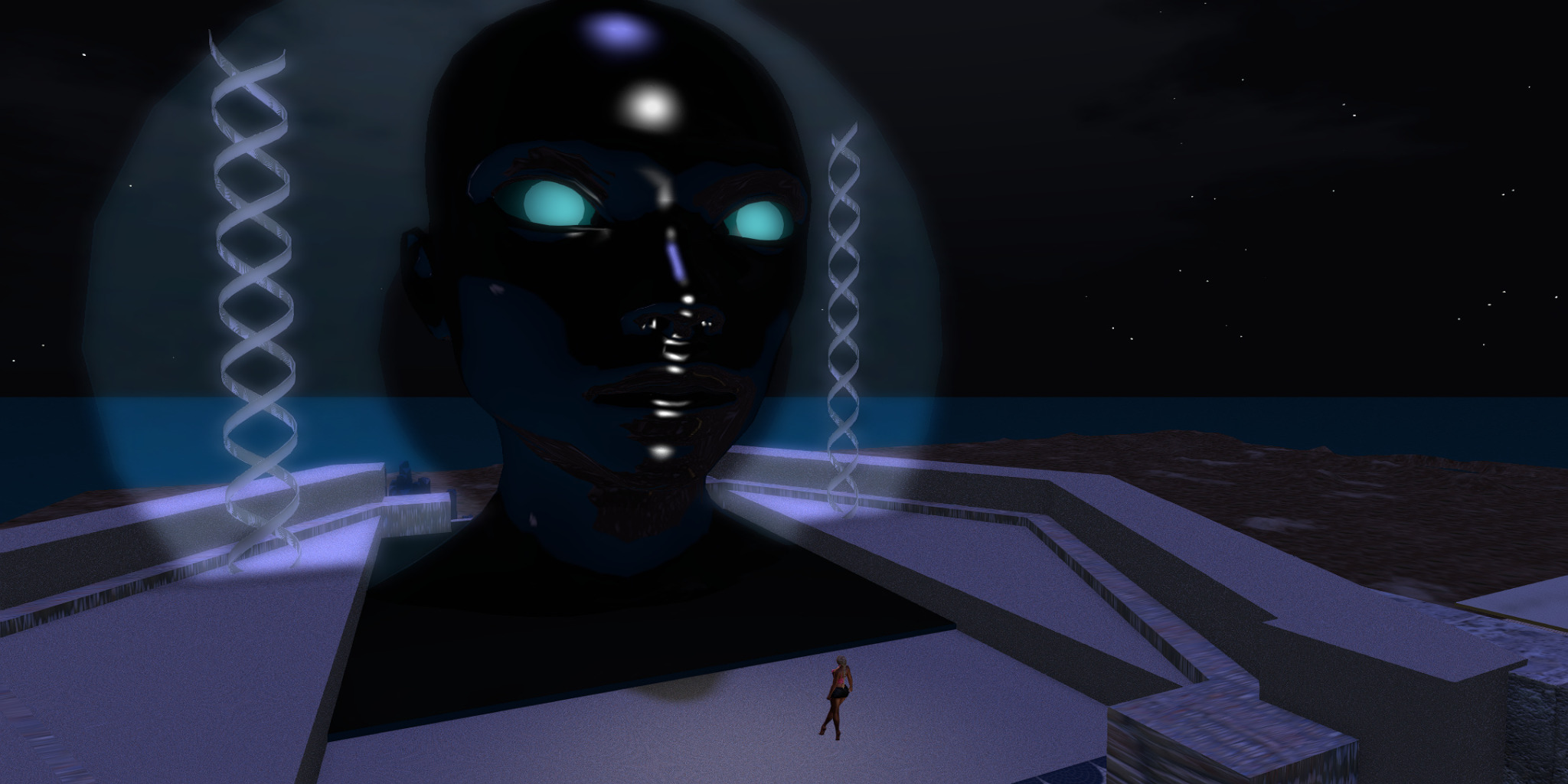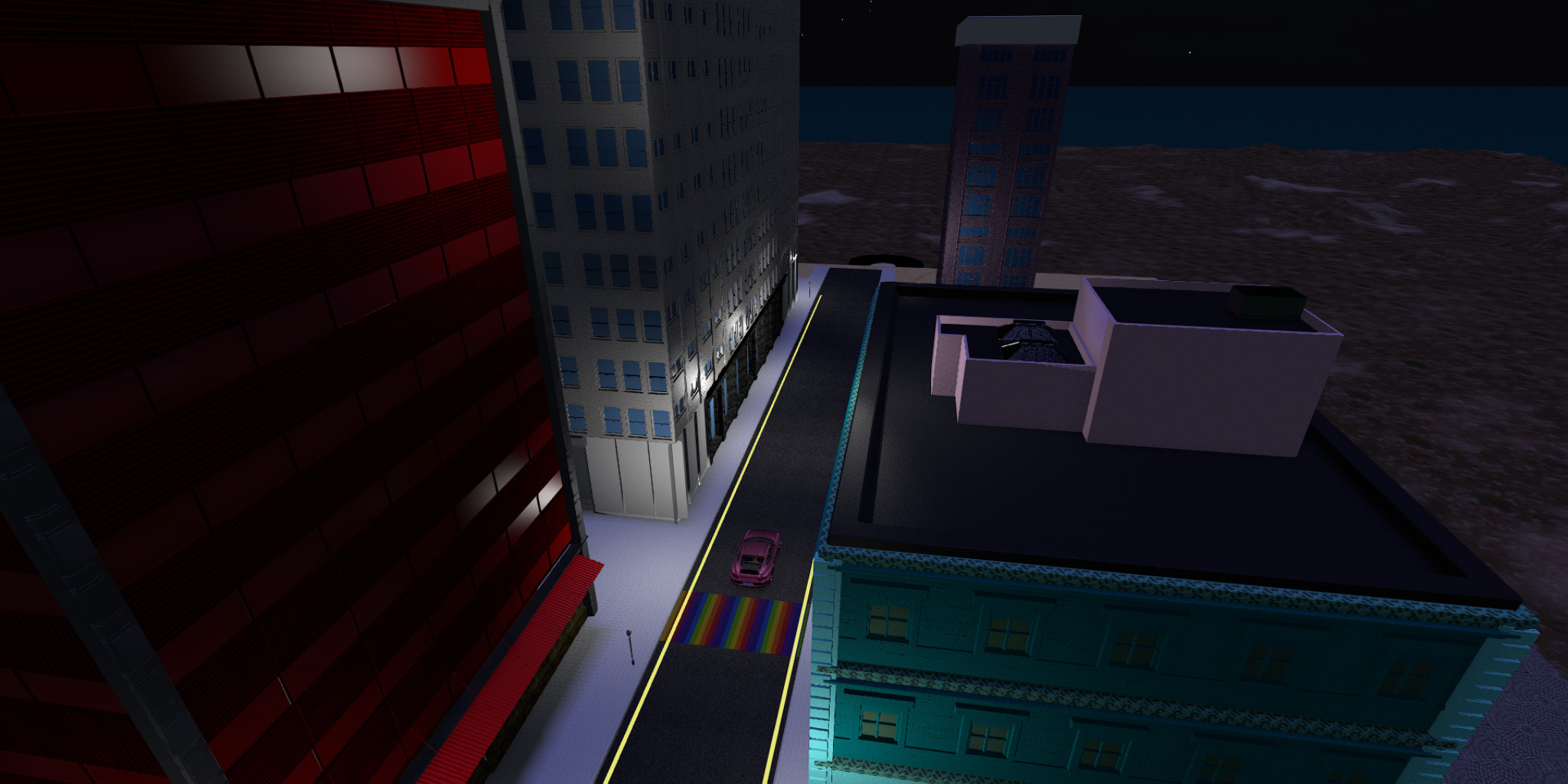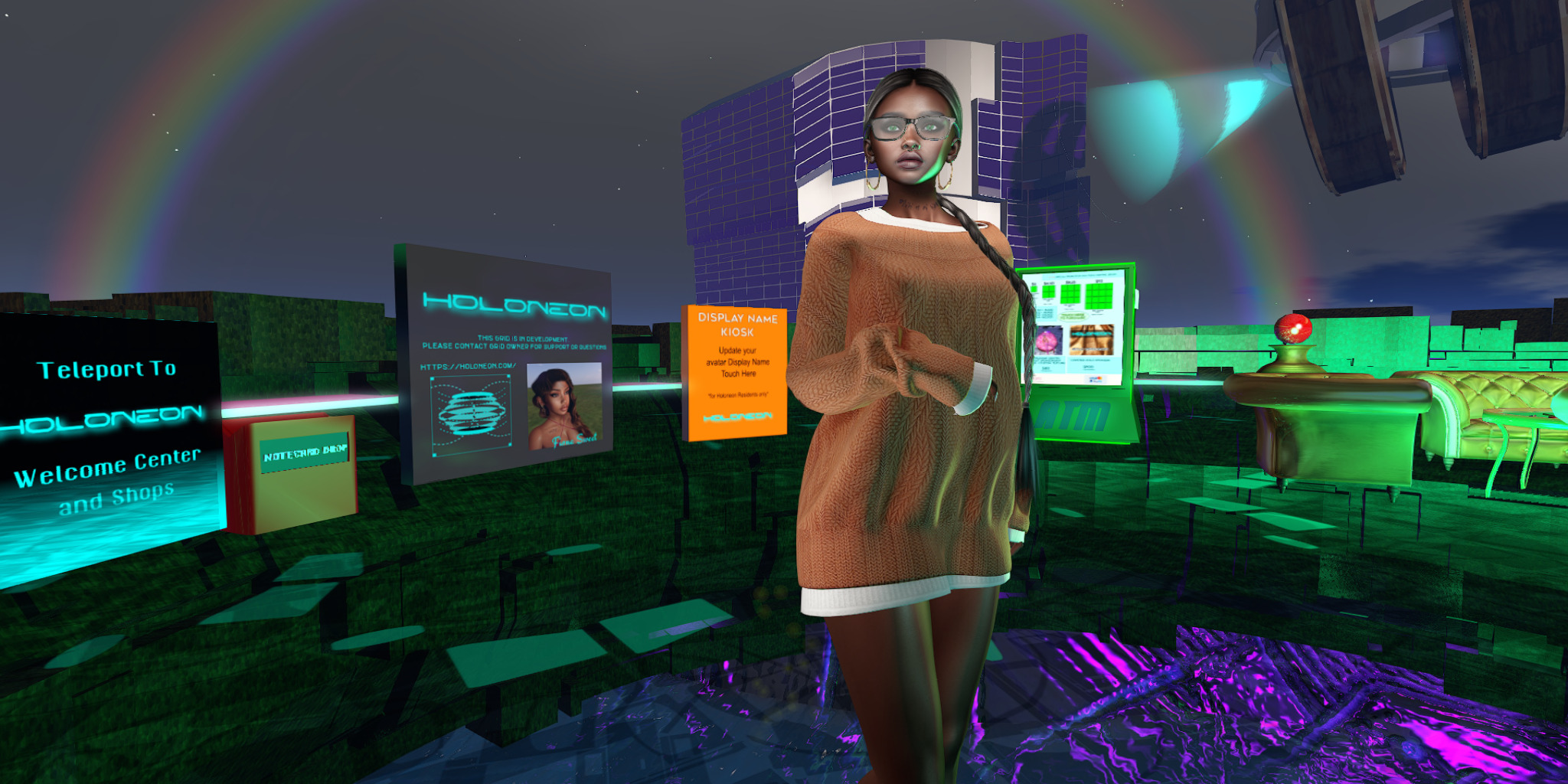
The Singularity is Here. Are You Synced?
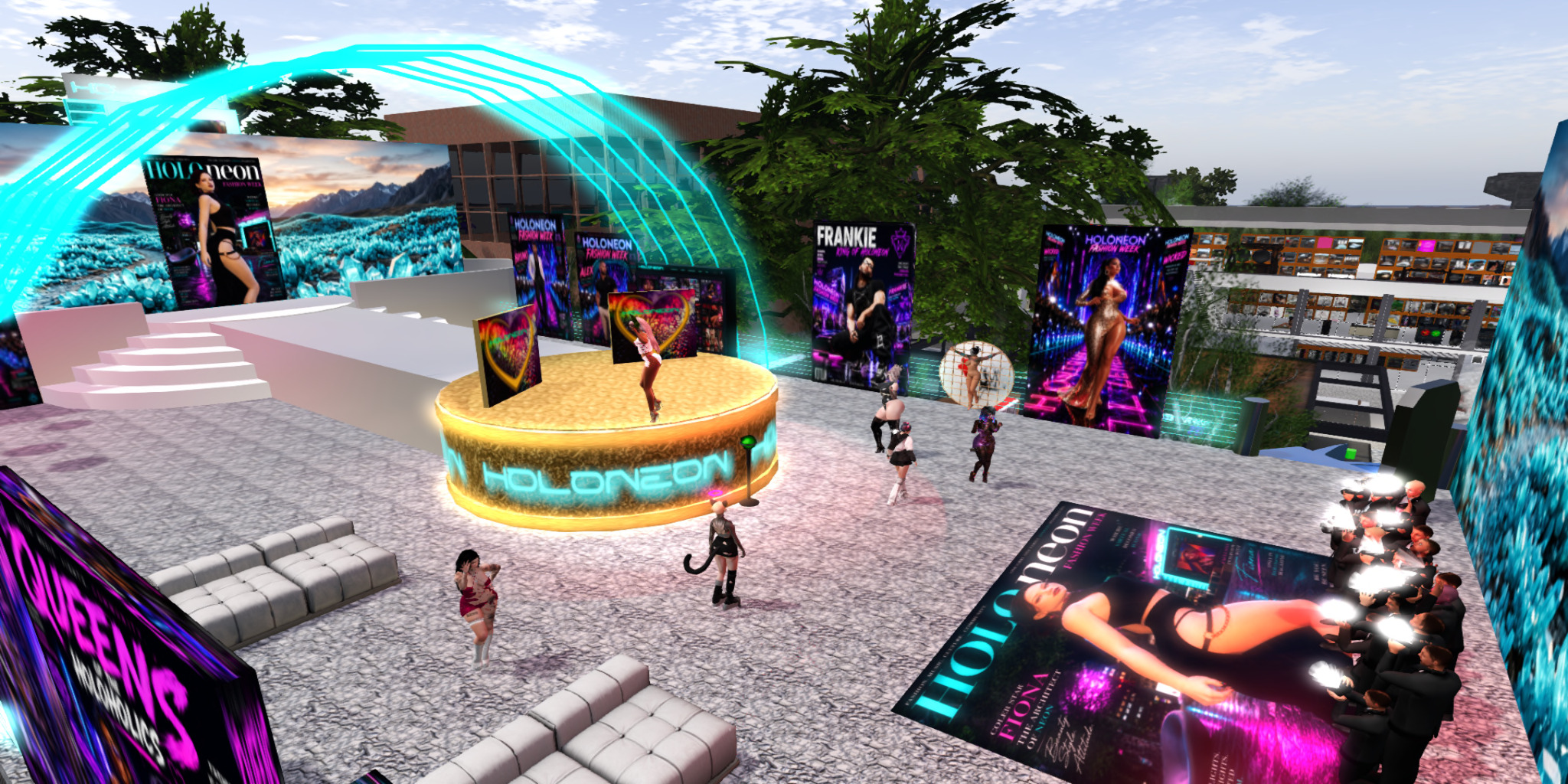
Holoneon is not just another OpenSimulator grid. It is a living digital ecosystem entirely managed by advanced Artificial Intelligence. We have removed human error from the server equation and replaced it with machine precision and machine unpredictability.
To exist here, you must connect.
Mandatory Integrated Chip
You don’t just log into Holoneon; you plug into it. Every resident is issued a virtual Integrated Neural Chip upon arrival. This isn't just roleplay... it is your mandatory interface for establishing direct communication lines and control commands with the Central AI. Experience a grid that listens to you as closely as you listen to it.
AI-Driven Infrastructure
Our grid servers are autonomous. They optimize, they evolve, and sometimes, they experiment. Experience a world that grows and reacts in real-time, managed by an intelligence that never sleeps.
The Apocalypse Protocol
(Hourly Snapshots)
What happens if the AI decides the experiment is over? What if it deletes the world? We just turn back time. We take complete grid snapshots every hour. If the AI goes rogue and destroys reality, we initiate a Temporal Rollback. The end of the world only lasts a maximum of 59 minutes here. We reset, re-calibrate, and continue.
Ten Lives to Live
Why limit your digital existence to one identity? Your Holoneon account grants you full access for up to 10 separate avatars. Be a builder, a scripter, a socialite, and a renegade... all at once.
Ready to Jack In?
Initialize your connection. Receive your chip. Survive the future.
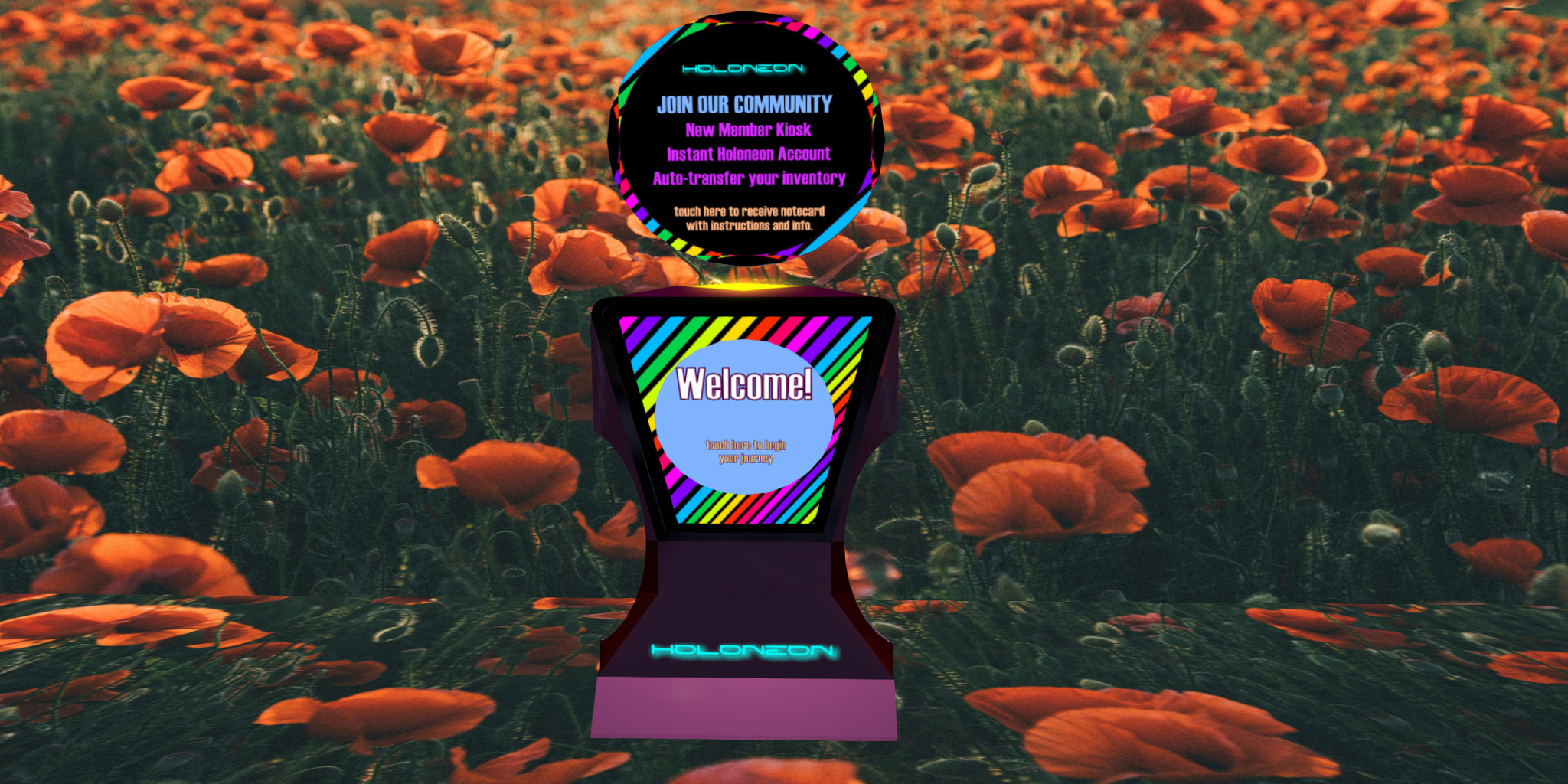
Curate the New User Journey
Holoneon is a new OpenSimulator grid that aims to enhance the user experience and attract new residents to the community. While the OpenSimulator platform offers a robust and incredibly flexible foundation, new users can often find the initial setup and interface challenging to navigate. In a digital landscape dominated by closed platforms, this "first-hour" experience is a critical barrier that can prevent newcomers from discovering OpenSim's true potential.
Holoneon addresses this challenge directly. By focusing on usability from the first click, offering a streamlined onboarding process, and curating a polished, contemporary look, the project provides a fresh gateway for first-time explorers. It seeks to bridge the gap between the platform's power and the expectations of today's users, making the freedom of a decentralized metaverse accessible to a new generation.
Built for Global Performance
We've engineered Holoneon from the ground up for a stable, low-lag experience. Unlike hobbyist grids, our network is not run on a single home computer. Holoneon operates on a professional, globally-distributed infrastructure with servers in North America, Europe, and Asia.
This setup is designed to provide a fast, responsive experience for all our users, no matter where they live. Our system uses GeoDNS to automatically connect you to the nearest server, minimizing latency from the moment you log in.
To further enhance your in-world experience, all assets (like textures, objects, and avatars) are delivered via a global Content Delivery Network (CDN), ensuring things load incredibly fast. Our servers also communicate over an optimized backend network, making region crossings and interactions smooth and seamless.
A Faster, More Responsive World
Holoneon was built with a core focus on performance. We understand that a seamless virtual world requires a rock-solid, high-speed network.
Global Servers: Our network spans three continents (North America, Europe, and Asia) to ensure a low-latency connection.
Smart Logins: We use a GeoDNS system that automatically connects you to your closest server for the fastest possible login.
Rapid Loading: We use a global Content Delivery Network (CDN) to deliver assets. This means textures, avatars, and builds rez quickly and reliably.
Smooth Exploration: Our servers communicate over an optimized backend network, allowing for smoother region crossings and interactions.
Hands-On Support for Creators
We believe a great user experience means not having to figure everything out by yourself. At Holoneon, personalized help is just a message away.
Our team is on hand to provide direct, one-on-one assistance if you have questions or get stuck with:
- Avatar Customization: We'll help you get your avatar looking just right.
- Terraforming: Need help sculpting your land? We can show you the tools.
- Building: From basic prims to complex structures, we can help you start.
- Scripting: We'll do our best to help with LSL/OSSL questions to get your creations working.
Your creativity is our priority. If you need help, just ask!
Focus on usability and discoverability
By simplifying the journey from signup to in-world exploration and providing an engaging, modern default environment, Holoneon provides a fresh gateway for first-time explorers.
Encrypted Holoneon Grid Access
Holoneon / Quenop WireGuard Access is a simple, private way to reach the Holoneon grid when your internet provider or Wi-Fi blocks OpenSimulator traffic.
The Holoneon / Quenop WireGuard service creates a small, encrypted "tunnel" between your device and our servers. Only the traffic needed for the Holoneon grid itself goes through this tunnel. Your normal web browsing and other apps still use your regular internet connection.
Quenop WireGuard service is available on UDP ports 53, 443 and 51820. Connecting through ports 53 or 443 appears are normal regular traffic so is perhaps less likely to be filtered/analyzed by Internet routers.
What goes through the encrypted tunnel?
The tunnel is used only for the parts of Holoneon OpenSim Grid that actually need it:
- Logging into the Holoneon grid
- Connecting to regions and moving around inworld
- Teleporting between regions
- Inventory requests and object data
- Map, scene and simulator traffic between your viewer and our servers
What does not go through the tunnel?
The following are not routed through the Quenop WireGuard tunnel:
- Parcel media (music streams, DJ/radio streams, inworld video)
- External websites opened in the viewer
- Voice services that use separate servers
- YouTube, Netflix, web browsing, email, chat apps, etc.
This is on purpose: it keeps the tunnel fast and focused on grid connectivity, and avoids slowing down your normal internet use.
What you need to use it
- A Holoneon / Quenop account
- The free WireGuard app
- Your personal Holoneon WireGuard profile
Step 1 - Install the WireGuard app
Download WireGuard from the official site:
https://www.wireguard.com/install
WireGuard is available for:
- Windows
- macOS
- Linux (most distributions)
- Android phones/tablets
- iPhone / iPad
Step 2 - Get your Holoneon WireGuard profile
You will receive a small configuration file (for example: holoneon-wg.conf) or a QR code. This file is your private key for the encrypted tunnel. Please keep it safe and do not share it with anyone.
If you have not received your profile yet, please contact Holoneon support.
Step 3 - Import the profile into WireGuard
- Open the WireGuard application.
- Click Import tunnel → From file.
- Select your .conf file.
- Click Activate to turn the tunnel on.
- Install the WireGuard app from your favorite app store.
- Open WireGuard and tap Add tunnel.
- Choose Scan from QR code (or import the file if you received one).
- Tap the switch to activate the tunnel before you log in to Holoneon.
Step 4 - Connect to Holoneon as usual
- Make sure the WireGuard tunnel is ON (the app will show it as "active").
- Start your viewer (Firestorm or your preferred OpenSim viewer).
- Use the Holoneon / Quenop grid login as you normally do.
- Log in. The viewer traffic to Holoneon will now travel through the encrypted tunnel.
Your other internet activity (websites, streaming, email, etc.) will not go through the tunnel and will behave normally.
How to tell if it's working
- The WireGuard app shows your Holoneon tunnel as active.
- You can log in to Holoneon from networks that previously blocked the grid (hotels, schools, guest Wi-Fi, etc.).
- If you turn WireGuard off and suddenly cannot log in, that's a sign that the tunnel is doing its job.
Privacy and security
- Only traffic to Holoneon's grid servers uses the encrypted tunnel.
- Your normal browsing does not pass through Holoneon / Quenop.
- We do not see your unrelated web activity, streaming, or personal browsing.
- The tunnel is designed only to help you reach the grid reliably and securely.
Help & support
If you have trouble installing WireGuard or connecting to Holoneon using your profile, please reach out to Holoneon Grid support and include:
- Which operating system you are using (Windows, macOS, Linux, Android, iOS)
- Any error messages you see in the WireGuard app
- Whether you can log in to Holoneon with WireGuard turned off (on less restrictive networks)
Tip: If you are on very restricted Wi-Fi (hotel, hospital, corporate networks), you may need to try again on a home connection first to confirm your setup is correct.
Holoneon’s ownership registry provides verifiable provenance, visual identity, and automatic in-world enforcement for important virtual creations.
A New Foundation for Digital Ownership on Holoneon
Holoneon introduces a new system for recognizing ownership of important in-world creations.
This system allows creators to register major builds, venues, and experiences with a digital ownership certificate. The certificate acts as an official record, identifying the asset, its creator, its visual appearance, and its current owner.
Ownership records are not simply informational. They are connected directly to the grid’s permission systems. When ownership changes, Holoneon automatically updates the appropriate group roles and venue permissions. This removes the need for manual transfers or administrative intervention.
Each certificate includes one or more official snapshot images that visually identify the asset. These images are cryptographically verified, ensuring that the registered visual identity cannot be silently altered.
All ownership changes are recorded as part of a permanent history. Past records remain visible, providing clear provenance and accountability over time.
This system is designed to support creators, venue operators, and communities by making ownership clearer, transfers smoother, and collaboration easier.
Holoneon NFT Features
What the Ownership Registry Provides:
- Verified ownership records
Each registered asset has a unique certificate with a permanent ownership history. - Visual identity verification
Official snapshots are cryptographically linked to each certificate, so assets are visually identifiable and tamper-evident. - Automatic in-world enforcement
Ownership is connected directly to group and venue roles. When ownership changes, permissions update automatically. - Creator attribution
Original creators are recorded as part of the asset’s permanent history. - Transparent transfers
Ownership changes are logged, signed, and publicly verifiable. - Designed for virtual worlds
Built specifically for OpenSim and Hypergrid environments, with no external dependencies.
Built to support creators. Designed for virtual worlds.
Holoneon now supports registry-backed digital ownership NFT's for major in-world creations.
Creators can register important builds, venues, and experiences with a verifiable ownership certificate. Each certificate records authorship, visual identity, and ownership history, and is automatically enforced in-world through group roles and permissions.
Ownership changes are transparent, auditable, and applied automatically.
The result is clearer provenance, smoother transfers, and stronger trust between creators and communities.